What Azure Integration Services are
Modern organizations rarely operate from a single application or platform. Business operations often depend on a mix of ERP systems, CRMs, cloud-native applications, legacy databases, partner APIs, IoT platforms, and SaaS tools that need to exchange data reliably and securely in real time.
This is where Microsoft Azure Integration Services (AIS) come into play.
Azure Integration Services is a collection of managed cloud services within Microsoft Azure designed to help organizations connect applications, automate workflows, exchange data, expose APIs, and support hybrid integration scenarios. Instead of building and maintaining custom integrations from scratch, development teams can use prebuilt Azure services to create scalable and secure integration architectures.
At its core, Azure Integration Services supports several common integration patterns:
- Application-to-application integration
- Data synchronization between systems
- API publishing and management
- Event-driven communication
- Hybrid cloud and on-premises connectivity
- Business process automation
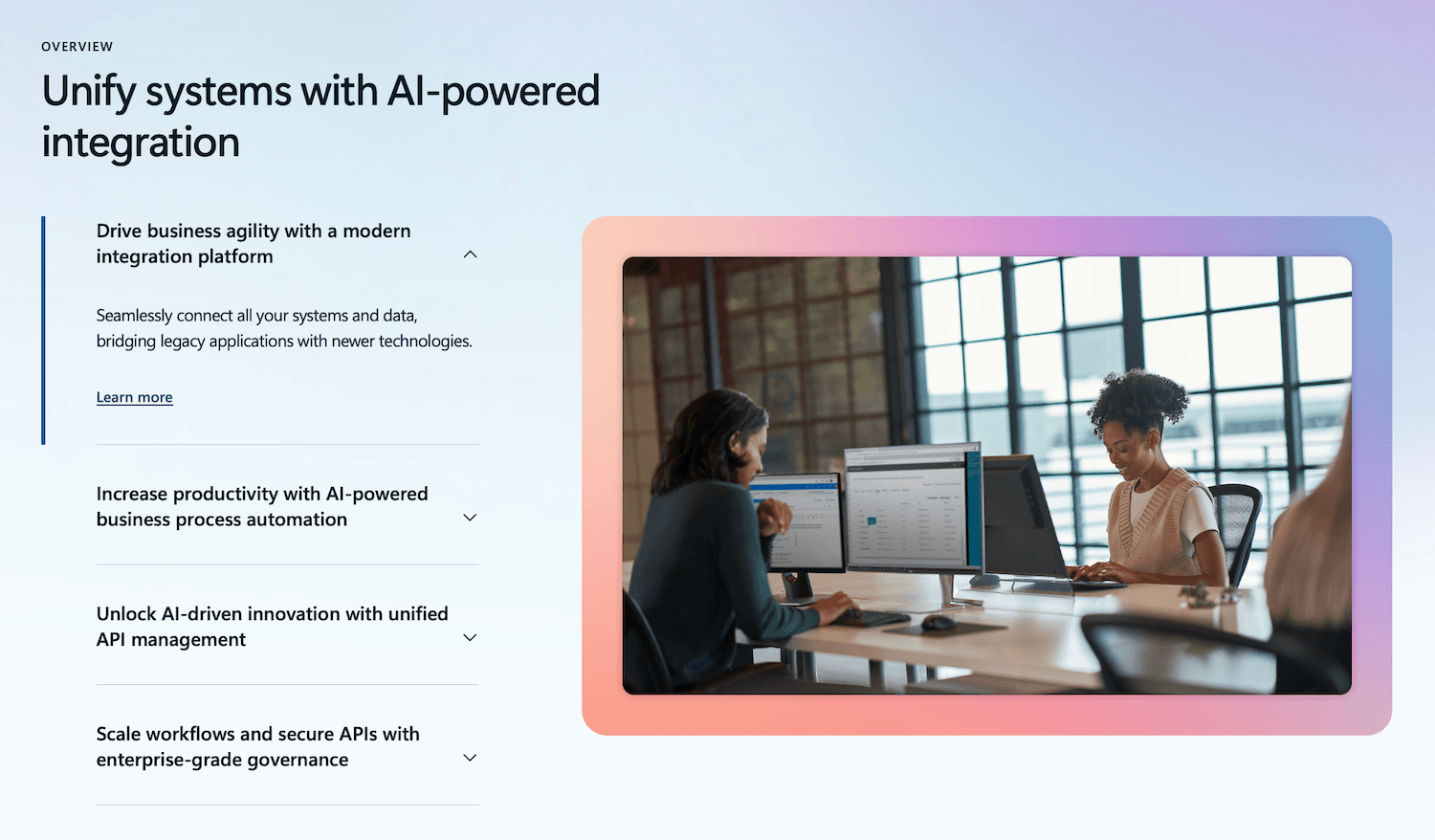
The platform is commonly used in enterprises that are modernizing legacy environments, adopting microservices, migrating workloads to Azure, or integrating multiple business platforms after mergers, acquisitions, or rapid growth.
Why system integration has become more complex
Enterprise environments have evolved significantly over the last decade. Many companies now operate across:
- Multiple cloud providers
- SaaS platforms such as CRM, HR, and ERP systems
- Internal legacy applications
- Mobile and web applications
- Partner ecosystems and external APIs
- Real-time analytics and AI platforms
As a result, integration is no longer limited to nightly batch jobs or simple point-to-point connections. Modern systems increasingly require:
- Real-time event processing
- Secure API communication
- High availability and fault tolerance
- Scalable messaging infrastructure
- Governance and monitoring
- Compliance and access control
Traditional middleware platforms can become difficult to scale, expensive to maintain, and slow to adapt to changing business requirements. Azure Integration Services addresses these challenges through a cloud-native and modular approach.
Key capabilities of Azure Integration Services
Organizations typically use Azure Integration Services to:
Because the services are fully managed by Azure, teams can focus more on business logic and less on infrastructure maintenance, patching, or middleware administration.
Azure Integration Services in modernization initiatives
Azure Integration Services is frequently used as part of broader application modernization and cloud transformation projects. For example, organizations migrating legacy applications to Azure often need a way to connect older systems with modern cloud-native services without disrupting daily operations.
A common scenario involves exposing legacy functionality through APIs while gradually modernizing backend systems. Another involves integrating ERP platforms with modern analytics, AI, or customer-facing applications.
In these cases, Azure Integration Services can act as the communication layer between distributed systems, helping organizations modernize incrementally instead of replacing entire platforms at once.
This integration-first approach is particularly valuable for enterprises operating in industries such as manufacturing, logistics, retail, healthcare, and financial services, where multiple systems and data sources must work together continuously.
Core Azure Integration Services components
Azure Integration Services combines several managed Azure services that work together to support application integration, messaging, workflow automation, and API connectivity. Organizations can use these services individually or combine them into larger integration architectures depending on technical and business requirements.
Azure Logic Apps
Microsoft Azure Logic Apps is a workflow automation service used to orchestrate processes and connect systems with minimal infrastructure management.
It enables teams to build integrations using visual workflows and prebuilt connectors for both Microsoft and third-party platforms.
Common use cases include:
- Automating approval workflows and notifications
- Synchronizing data between SaaS platforms and internal systems
- Processing files, emails, or business events
- Integrating CRM, ERP, and ticketing systems
- Building low-code orchestration layers for enterprise processes
Logic Apps supports hundreds of connectors, including:
- Salesforce
- SAP
- ServiceNow
- Office 365
- Dynamics 365
This makes it one of the most commonly used services for cloud integration and business process automation in Azure environments.
Azure API Management
Microsoft Azure API Management helps organizations publish, secure, monitor, and govern APIs across internal teams, partners, and external consumers.
The service acts as a centralized gateway between backend systems and API consumers, supporting:
- Authentication and authorization
- Rate limiting and throttling
- API versioning
- Developer portals
- Usage analytics and monitoring
- Policy enforcement
Azure API Management is frequently used in:
- Microservices architectures
- Mobile and web application backends
- Partner integrations
- Hybrid enterprise environments
- B2B and B2C API ecosystems
For organizations modernizing legacy systems, API Management often becomes a key layer that exposes older applications through modern REST APIs without requiring a full backend rewrite.
Azure Service Bus
Microsoft Azure Service Bus is a fully managed enterprise messaging service designed for reliable asynchronous communication between distributed applications and services.
Instead of systems communicating directly with each other, Service Bus introduces a messaging layer that improves resiliency and scalability.
Key capabilities include:
- Message queues
- Publish/subscribe topics
- Dead-letter queues
- Scheduled message delivery
- Transaction support
- Reliable message ordering
Typical enterprise scenarios include:
- Order processing systems
- Financial transaction workflows
- Inventory synchronization
- Decoupled microservices communication
- Backend processing pipelines
Service Bus is particularly valuable in environments where temporary outages or traffic spikes should not interrupt business operations.
Azure Event Grid
Microsoft Azure Event Grid is an event routing service optimized for reactive and event-driven architectures.
The service enables systems to respond to events in near real time. Instead of polling systems continuously for updates, applications subscribe to events and react automatically when changes occur.
Examples include:
- Triggering workflows after file uploads
- Sending alerts from IoT devices
- Reacting to database or storage events
- Automating serverless processes
- Coordinating microservices events
Event Grid is commonly used together with:
- Azure Functions
- Logic Apps
- Kubernetes-based applications
- Real-time analytics pipelines
This approach supports highly scalable cloud-native architectures while reducing unnecessary processing overhead.
Azure Functions
Microsoft Azure Functions is a serverless compute service that executes code in response to triggers and events.
It is frequently used within Azure integration architectures to perform lightweight processing tasks such as:
- Data transformation
- Validation logic
- API orchestration
- Scheduled jobs
- Event processing
- Custom connectors and middleware logic
Because Azure Functions scales automatically and charges based on execution, it is often used to build cost-efficient event-driven integrations.
Azure Data Factory
Microsoft Azure Data Factory is a cloud-based data integration and orchestration service used to move, transform, and process data across distributed systems.
While Azure Logic Apps focuses primarily on application workflows and business process automation, Azure Data Factory is designed for large-scale data movement and ETL/ELT operations.
Organizations commonly use Azure Data Factory to:
- Consolidate data from multiple business systems
- Build cloud-based data pipelines
- Support analytics and reporting initiatives
- Migrate data from on-premises environments to Azure
- Prepare datasets for AI and machine learning workloads
- Automate scheduled data ingestion and transformation processes
Azure Data Factory supports integration with a wide range of data sources, including:
- SQL Server
- Oracle databases
- SAP systems
- Cloud storage platforms
- SaaS applications
- Big data environments
In enterprise environments, Azure Data Factory often becomes a central orchestration layer for modern data platforms, helping organizations manage complex data flows across hybrid and multi-cloud ecosystems.
How the services work together
In many enterprise architectures, Azure Integration Services components are combined into layered integration solutions.
For example:
- Azure API Management exposes APIs securely to external users
- Logic Apps orchestrates workflows between systems
- Service Bus handles reliable message delivery
- Event Grid distributes real-time events
- Azure Functions performs custom business logic
This modular approach allows organizations to design integration architectures that are scalable, resilient, and easier to evolve over time without relying on tightly coupled legacy middleware platforms.
Common enterprise use cases for Microsoft Azure Integration Services
AIS is widely used across industries to connect applications, automate operations, and support modernization initiatives without requiring large-scale system replacement projects.
ERP and CRM integration
Many organizations use this set of products to synchronize data between ERP, CRM, finance, and supply chain platforms.
Typical examples include:
- Synchronizing customer and order data between Salesforce and ERP systems
- Connecting SAP with eCommerce platforms
- Automating invoice and procurement workflows
- Integrating warehouse and logistics systems with operational dashboards
Legacy application modernization
Azure Integration Services is commonly used during cloud migration and application modernization projects.
Instead of replacing legacy systems immediately, organizations can:
- Expose legacy functionality through APIs
- Connect older applications to cloud-native services
- Enable gradual migration strategies
- Support hybrid cloud environments during transition periods
This approach reduces operational disruption while extending the value of existing systems.
API ecosystems and partner integrations
Many enterprises use Azure API Management to securely expose APIs to:
- Partners
- Suppliers
- Mobile applications
- Customer portals
- Internal development teams
This is especially common in industries such as retail, logistics, fintech, and healthcare where external systems need controlled access to business data and services.
Event-driven and real-time processing
Azure Event Grid, Service Bus, and Azure Functions help organizations support real-time business operations.
Examples include:
- Processing IoT device events
- Triggering alerts and notifications
- Real-time inventory updates
- Order processing automation
- Fraud detection workflows
- Live operational monitoring
These architectures are increasingly important for organizations handling large volumes of transactions and operational data.
Business process automation (BPA)
Azure Logic Apps is frequently used to automate repetitive operational tasks across departments.
Common automation scenarios include:
- Employee onboarding workflows
- Document approval processes
- IT service management integrations
- Automated reporting and notifications
- Data validation and synchronization processes
By reducing manual processing and disconnected workflows, organizations can improve operational consistency and reduce integration overhead.
Best practices for Azure integration projects
Successful Azure integration projects depend on architecture decisions made early in the process. Before selecting services, teams should define what needs to be integrated, how often data should move, which systems are business-critical, and what failure scenarios must be handled.
1. Start with integration mapping
A practical Azure integration project should begin with a clear map of systems, data flows, dependencies, and ownership. This helps teams identify whether each integration requires synchronous API communication, asynchronous messaging, event-driven processing, or workflow orchestration.
The mapping should cover:
- Source and target systems
- Data entities and formats
- Integration frequency
- API availability
- Security and compliance requirements
- Failure handling and retry logic
- Monitoring ownership
This step reduces the risk of creating point-to-point integrations that become difficult to maintain as the system landscape grows.
2. Choose the right integration pattern
Azure Integration Services supports several integration approaches, but they should not be used interchangeably.
For example, API Management is well-suited for controlled request-response communication, while Service Bus is a better choice when systems need reliable asynchronous processing. Event Grid is useful when systems need to react to events quickly, but without heavy workflow orchestration.
3. Design for resilience from the start
Integration failures are expected in distributed systems. APIs may be temporarily unavailable, messages may fail validation, and third-party platforms may have rate limits or maintenance windows.
To reduce operational risk, teams should design for:
- Retry policies
- Dead-letter queues
- Idempotent processing
- Circuit breakers
- Timeout handling
- Message correlation IDs
- Clear error logging
These patterns help prevent small integration failures from becoming business process failures.
4. Secure every integration layer
Security should cover more than authentication. Azure integration architecture should include access control, secret management, encryption, network restrictions, and API governance.
Common practices include:
- Using Microsoft Entra ID for identity and access management
- Managing secrets through Azure Key Vault
- Applying API policies in Azure API Management
- Restricting public endpoints where possible
- Using managed identities between Azure services
- Logging access and integration activity
This is especially important when integrations connect internal systems, partner applications, customer-facing platforms, and regulated data sources.
5. Build observability into the architecture
Integrations often run across multiple systems, which makes troubleshooting difficult without centralized monitoring. Teams should define how integration health, latency, failures, and business-level events will be tracked.
Azure Monitor, Application Insights, and Log Analytics can help create visibility across APIs, workflows, messages, and serverless functions.
Useful metrics include:
- Failed workflow runs
- API response time
- Message queue length
- Dead-letter message volume
- Function execution errors
- Integration latency
- Data processing success rate
6. Plan for governance and long-term maintenance
Azure integration projects should be treated as long-term architecture assets, not one-off technical tasks. As integrations grow, teams need naming conventions, versioning rules, ownership models, documentation, and deployment standards.
Important governance practices include:
- API versioning and lifecycle policies
- Infrastructure as Code for repeatable deployments
- CI/CD pipelines for integration workflows and functions
- Environment separation for development, testing, and production
- Documentation for data contracts and dependencies
- Regular review of unused APIs, workflows, and connectors
A well-governed integration layer allows organizations to add new systems, partners, and digital products without creating unnecessary technical debt.
The safest approach is to start with a focused integration assessment before implementation. Mapping systems, data flows, risks, and integration patterns first usually saves more time than jumping straight into Logic Apps, APIs, or messaging setup.
In conclusion
As enterprise environments continue to expand across cloud platforms, SaaS applications, legacy systems, APIs, and real-time data services, integration has become a foundational part of modern IT architecture rather than a secondary infrastructure concern.
Microsoft Azure Integration Services provides organizations with a scalable and modular integration platform that supports workflow automation, API management, event-driven architectures, and reliable system communication without the operational overhead associated with traditional middleware platforms.
Whether the goal is application modernization, hybrid cloud integration, partner connectivity, or operational automation, Azure Integration Services enables teams to connect systems incrementally while maintaining flexibility for future growth.
For many organizations, the long-term value comes not only from connecting applications, but from building a more resilient and adaptable digital ecosystem that can evolve alongside changing business and technology requirements.